iphone water eject option
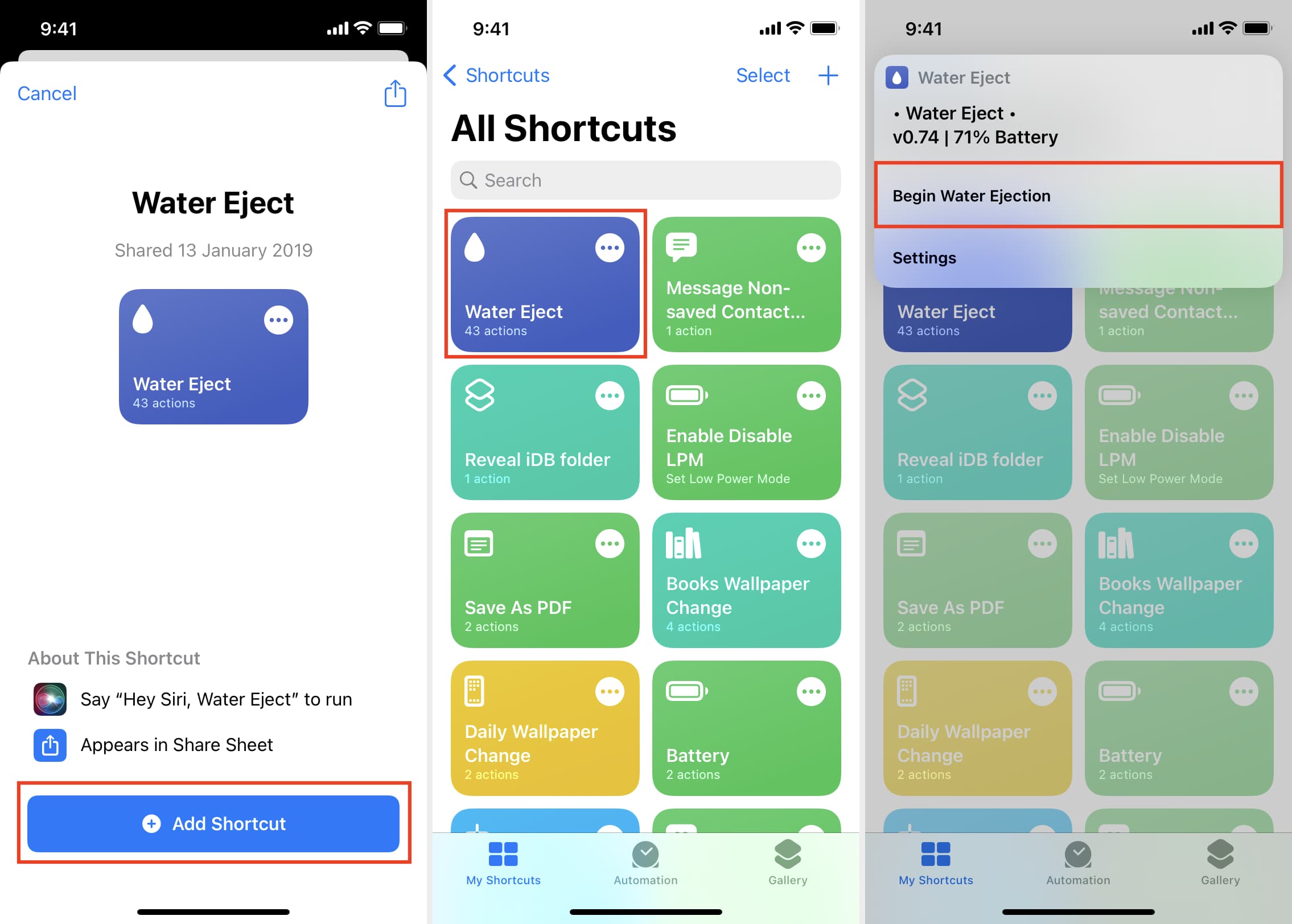
To eject water from iPhone with Water Eject Siri shortcut follow the steps below. Head to Routinehubco and once youre on the page only via your iPhone.
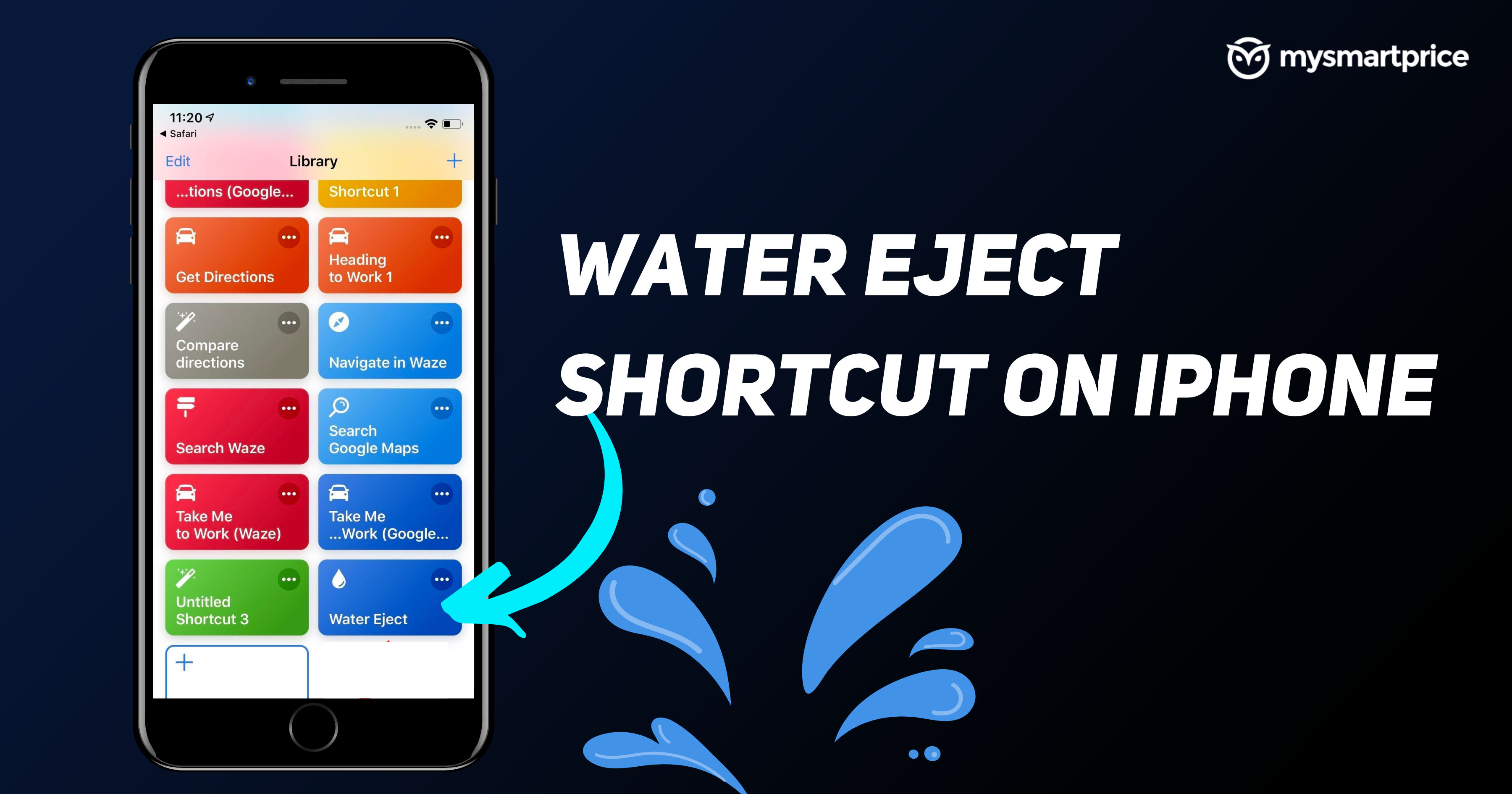
Water Eject Shortcut How To Eject Water From Iphone Using Shortcuts Mysmartprice
Click on the details to add the shortcut on the home screen.
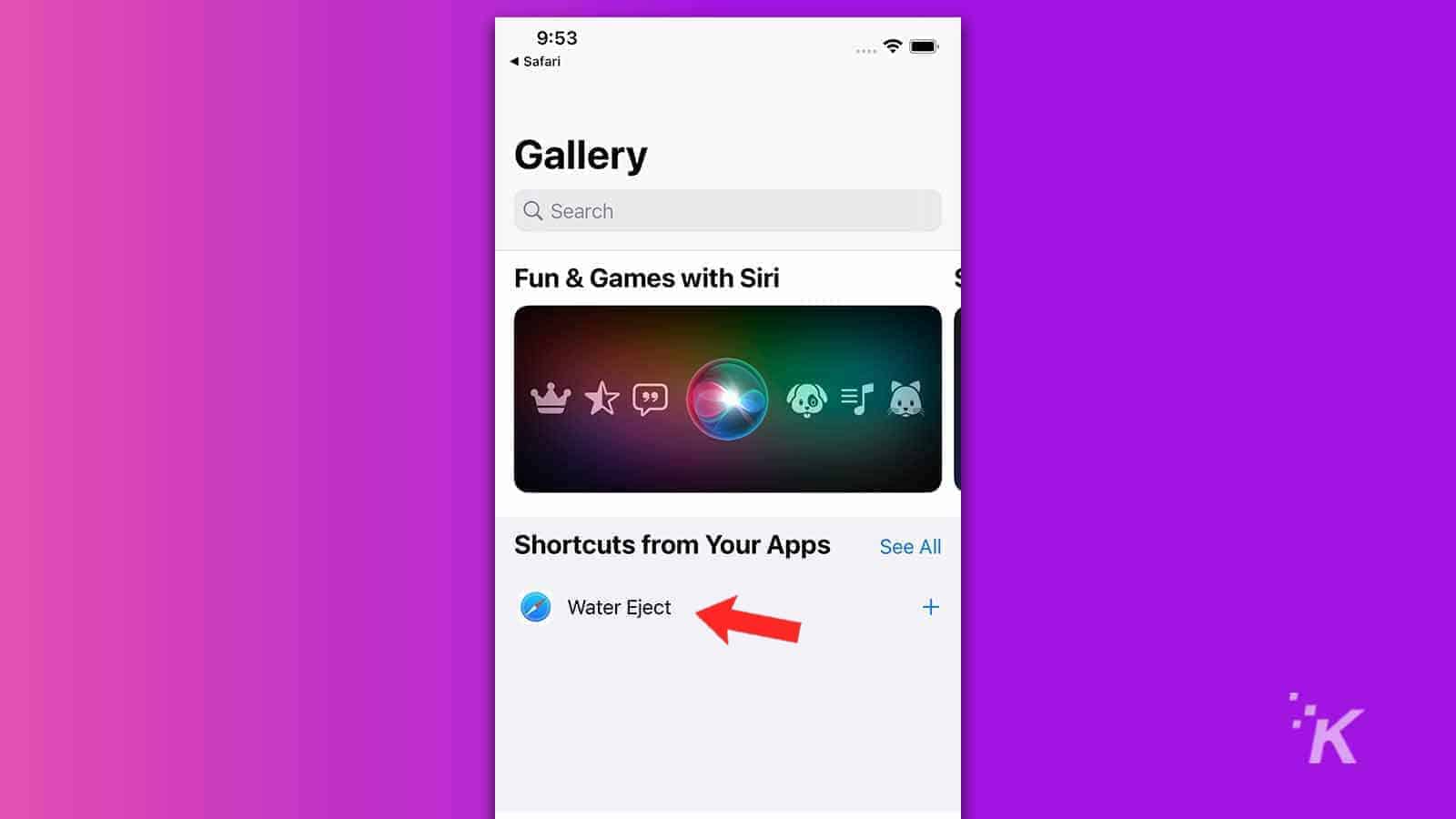
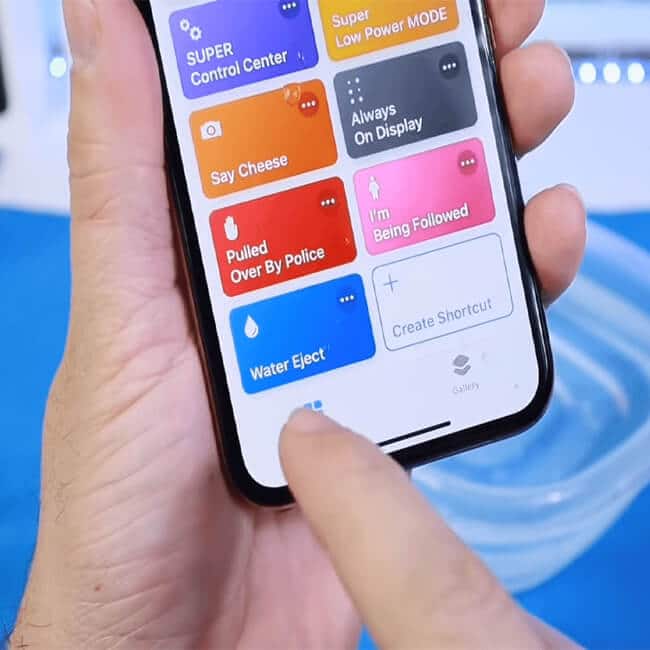
. Tap on the three dots on the Water Eject shortcut. Here tap on the Water Eject shortcut. 5 go to the my shortcuts tab and tap on water eject.
If you do try again. Once the shortcut is installed open the Water Eject shortcut. The technology uses the speaker grill to eject water as that part is the most likely to get affected.
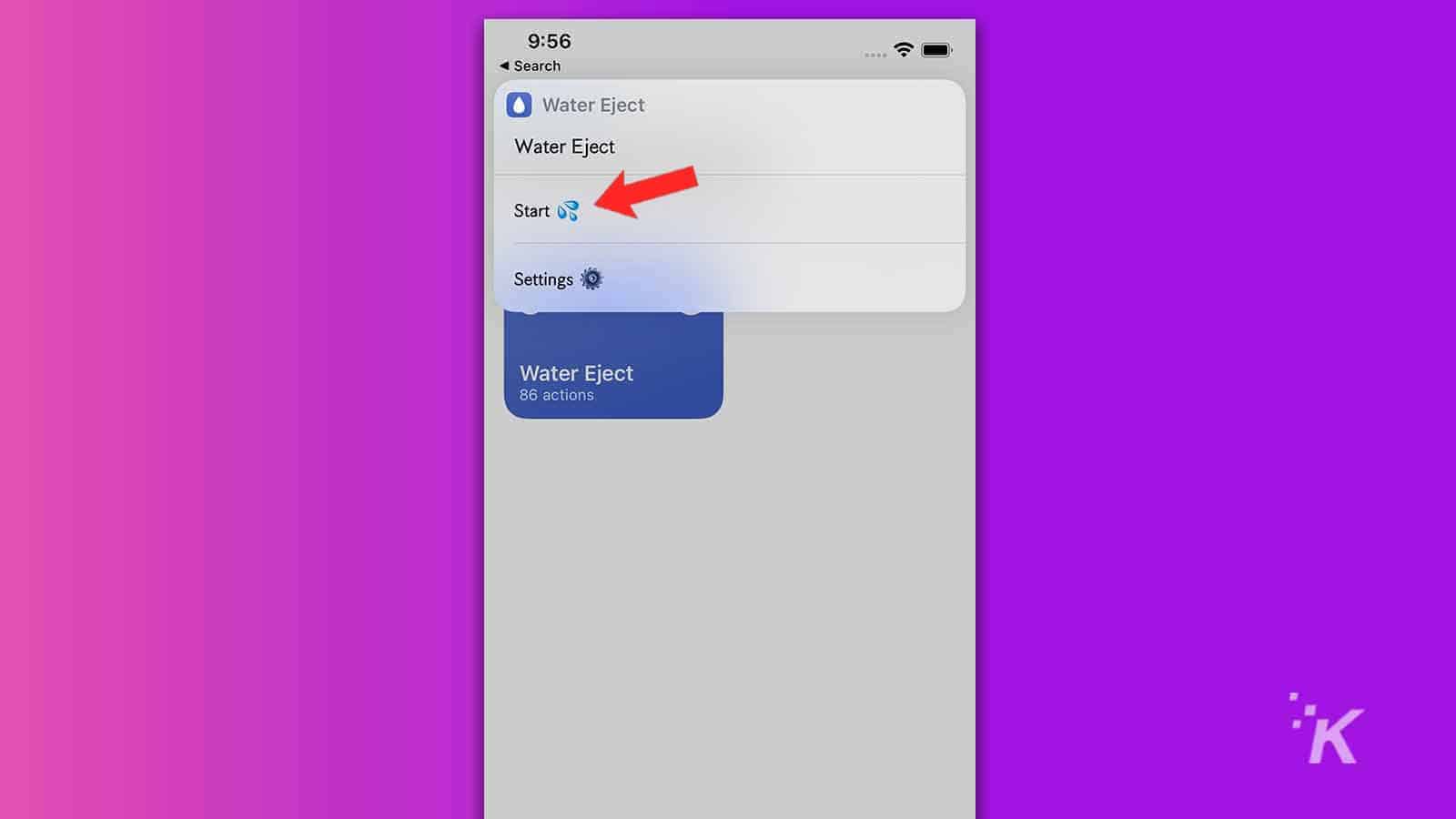
Remember its not an official fix and can only do so much but it may well spare you from serious iPhone damage. Click on Begin Water Ejection and the process will start. Open the Shortcuts app and locate the Water Eject shortcut.
Now open the Shortcut app and go to the My Shortcuts tab. Select Eject water from iPhone then tap Done below it. Tap the Share icon at the bottom of the screen and send it to your chosen contact.
Now you can simply turn on the water eject from your home screen or you can also add the shortcut on your widgets sceen. Eject water from iphone using Shortcut app on your iphone. By using the Siri shortcut named Water Eject you can run this function using a low-frequency sound wave to rattle moisture out of your device.
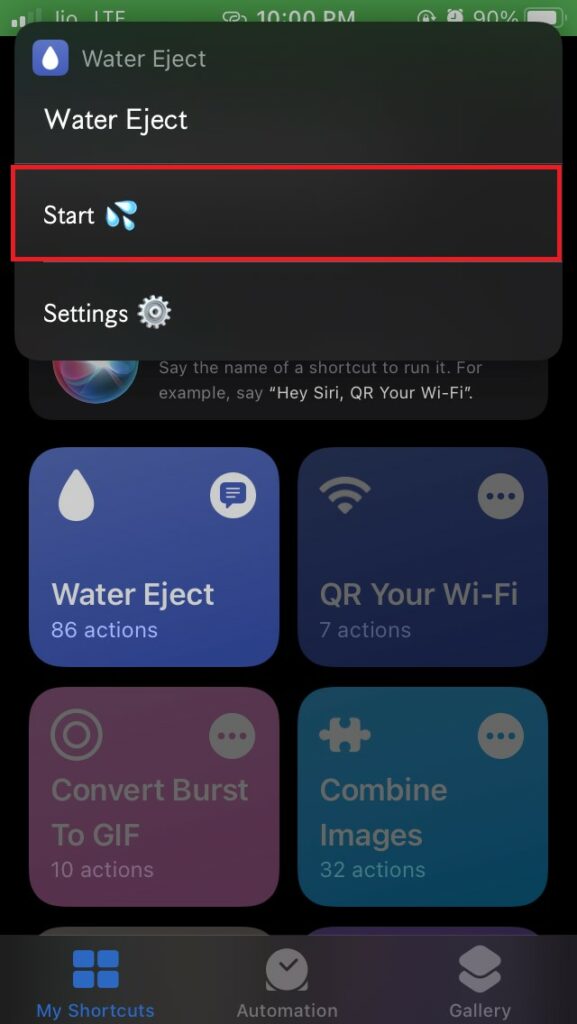
Choose Begin from the menu that pops up and the shortcut will start doing its work. How to use Water Eject Shortcut 1. To do that load the water eject shortcut using the steps below.
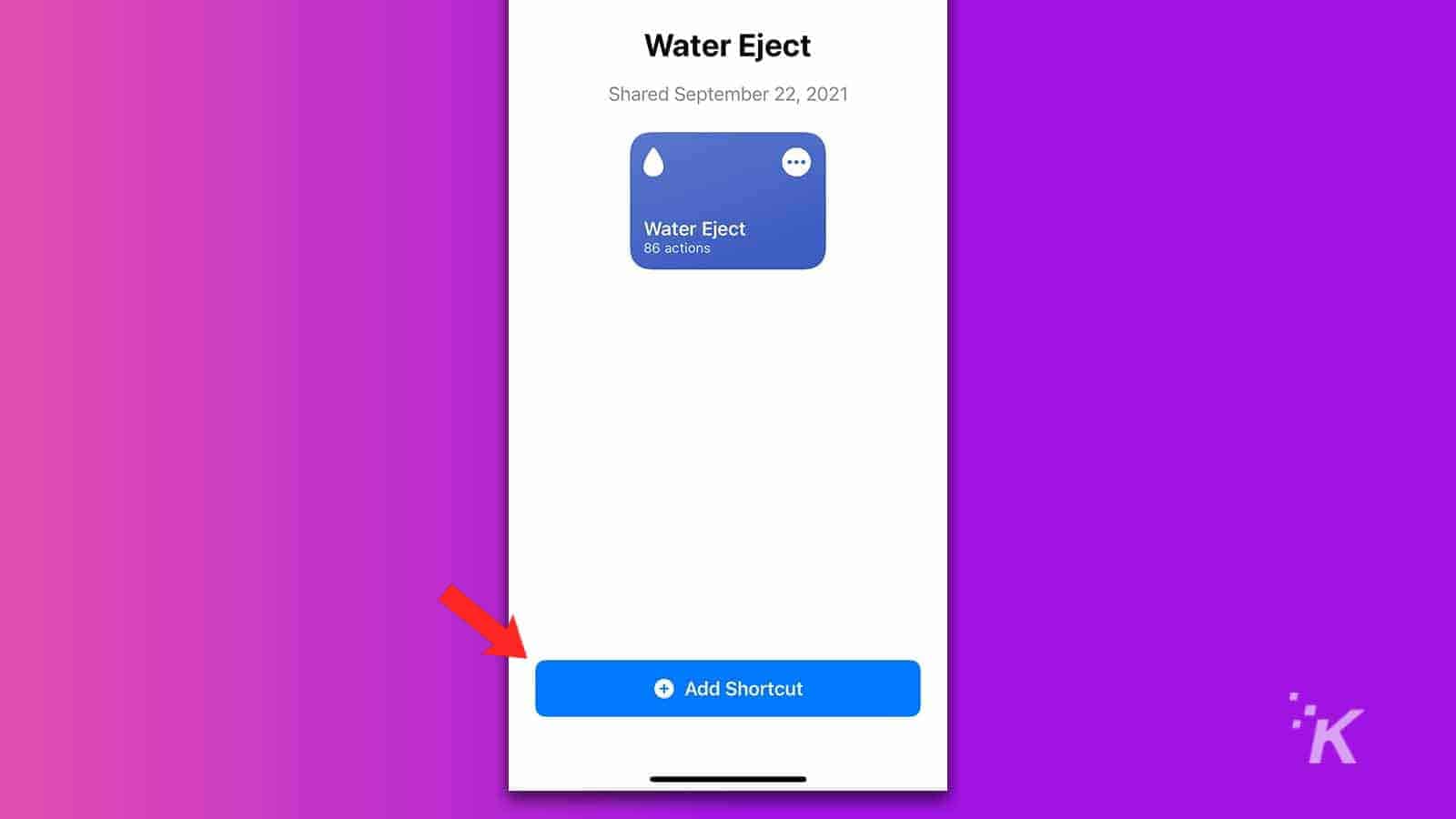
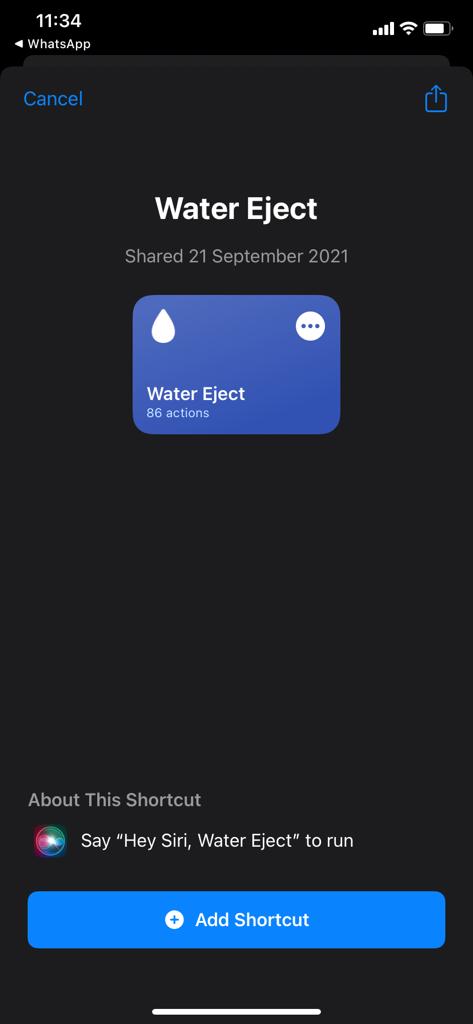
After successfully opening the link scroll down and select the Add Shortcut option. Then from your iPhone tap Get Shortcut on this website. Youll just want to hit Get Shortcut to bring it into your Shortcut folder.
Tap the Water Eject button followed by Begin Water Eject. Steps to Using the iPhone Eject Water Siri Shortcut To begin click the water eject shortcut link to enable the iPhone water eject shortcut. Your Siri shortcut is added so long as you dont already have one for a different phrase.
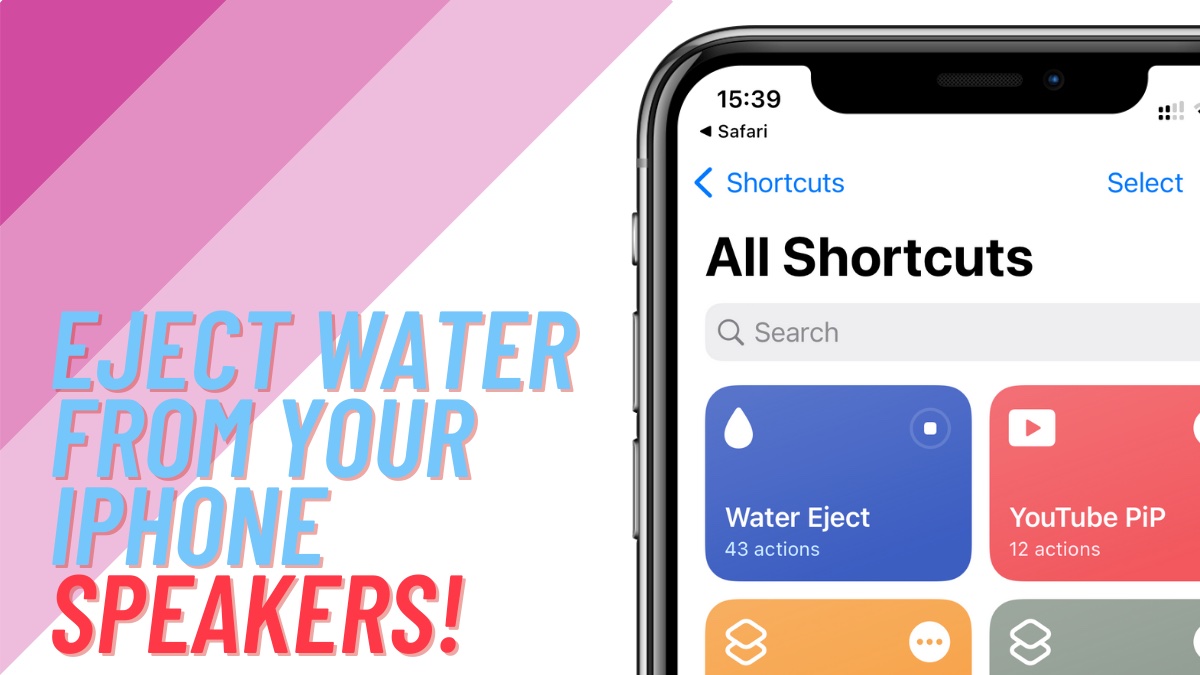
Or else you can always ask Siri to run Water Eject and it will eject water from your iPhone automatically. You can also use the same steps to share it with someone else who may need to eject water from their iPhone or iPad speakers. Here you can choose All Shortcuts and then Water Eject which will give you three options to begin an attempt to save your phone.
You will hear a series of sounds while the shortcut is running and the water should start spraying out of your speaker. To access the Water Eject function. Remember its not an official fix and can only do so much but it may well spare you from serious iPhone damage.
The iPhone comes with leading technology for ejecting water from the inner part of the speakers. Go to the bottom of the app and click on Add The Shortcut. This method involves using a Siri Shortcut to play the sound through your iPhone.
Tap Add to Siri near the top-right of your screen next to where it says Phrase eject water. Open the Settings app. Select the option Begin water ejection.
Launch the shortcut after adding it. You can add it as a shortcut or for next time you can ask Siri to. Hold or long-press your phones power button and access Siri.
The Shortcut app will automatically open - tap the Add Shortcut button. First install an app called Siri Shortcuts on your iPhone to get started with this step. How to eject water out of iPhone using Siri Shortcuts.
Next go to My Shortcuts along the bottom. Besides that your iphone can get stuck on the apple logo by upgrading it to a betaunstable version of ios 15. Once the shortcut is added to the shortcut library then launch it.
Then tap on My Shortcuts. After completion Siri turns down the volume of the device. With the basics covered here are a couple of ways to get the water out from the iPhone.
Next to Allow Untrusted Shortcuts toggle the slider to enable the feature and tap on Allow. How to run the water eject shortcut. Easily Eject Water Stuck in iPhone with Siri Shortcuts.
Download Water Eject for iOS 15. At the bottom you will find an option called to add the shortcut. Using a simple Siri shortcut you can easily remove water from your iPhone.
After installing search for the shortcut called Water Eject and click Get shortcut. It will initiate the process. Water eject for ios 15.
If you took your iphone for a swim then dont worry there is a shortcut for you to remove water fro. Select Begin Water Ejection. Click on the option Add to Home Screen.
Scroll down to the bottom and tap on Add Untrusted Shortcut. After installation open the shortcutStep 2. Tap the Water Eject button followed by Begin Water Eject.
Go to Settings Shortcuts Allow Untrusted Shortcuts. Overall this process is similar to Apples Water Eject feature found on newer Apple Watches. Now go here to add the Water Eject shortcut.
The vibrations from the sound eject the liquid. Use the Water Eject Shortcut. Moreover apart from working on all iPhone models that support Siri shortcuts the said tool also works with iPads and iPods running the latest software.
Remove the lightning accessory and dry out the moisture.
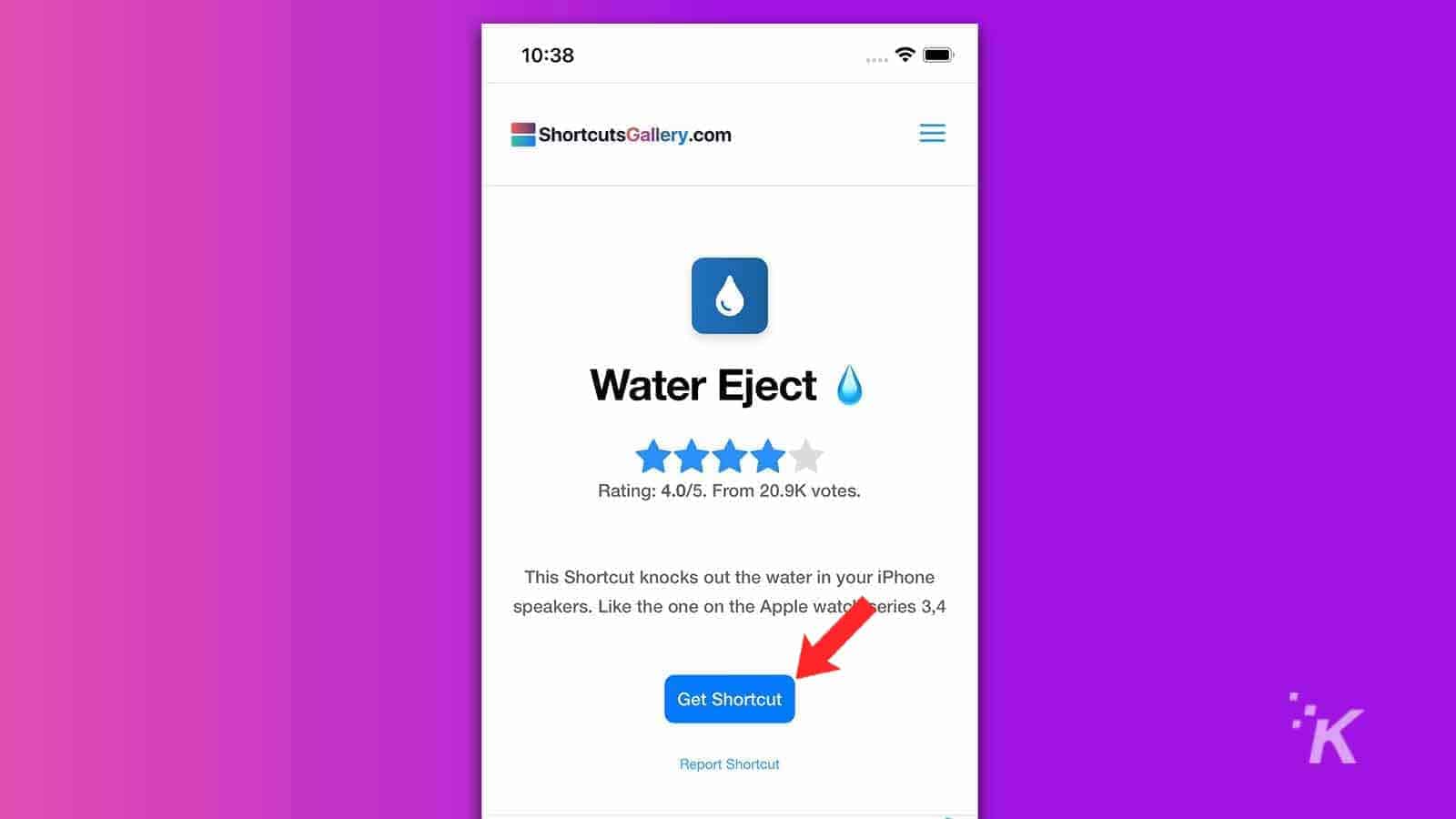
How To Eject Water From A Wet Iphone
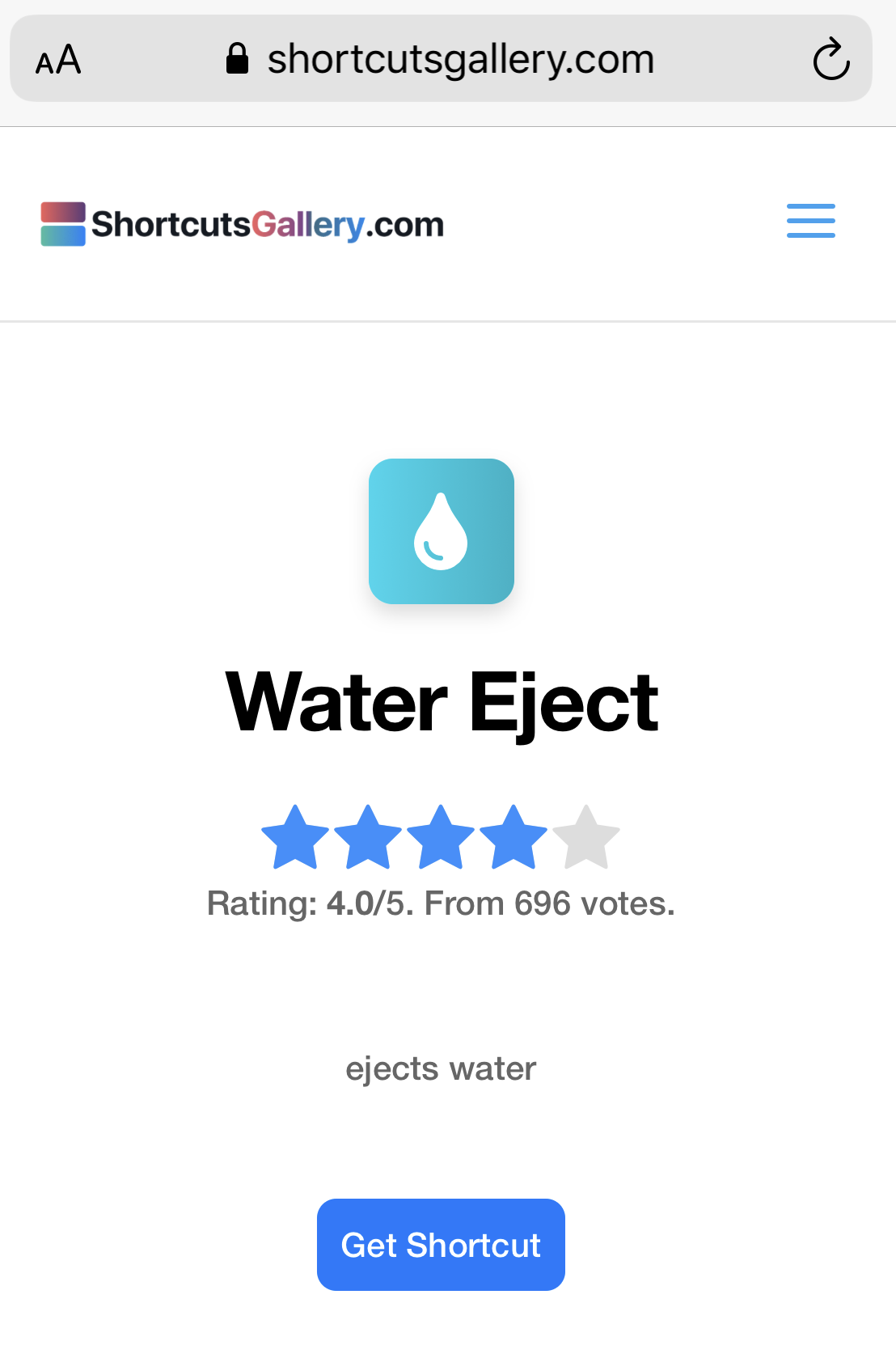
Crazy Iphone Trick Ejects Water From Your Phone Like Magic Bgr
Eject Water From Iphone Using Water Eject And How To Install It Youtube
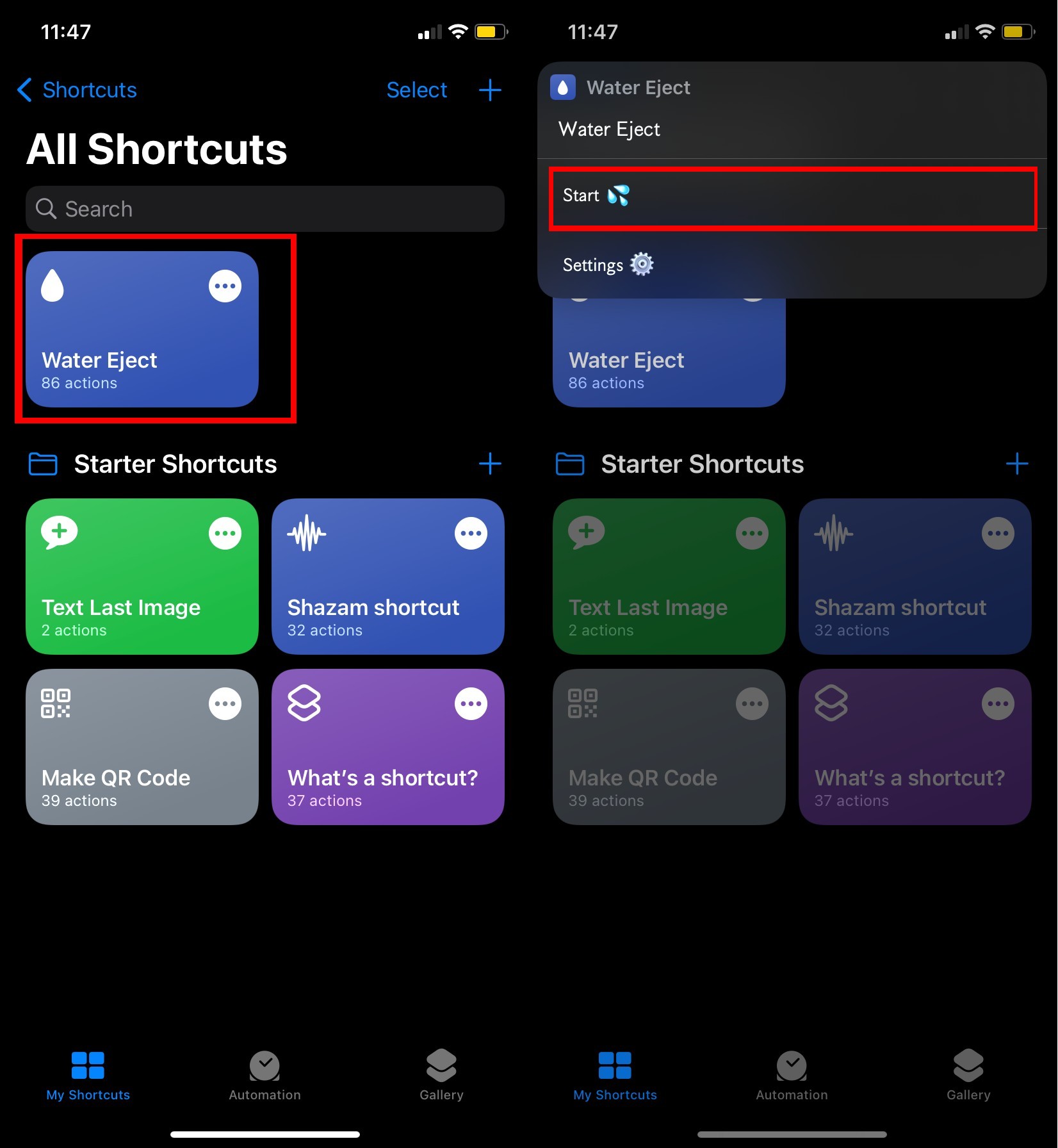
Water Eject Shortcut How To Eject Water From A Wet Iphone Using Shortcuts 91mobiles Com

How To Eject Out Water From Iphone Gamerswiz

How To Eject Water From Iphone Using Siri Shortcuts Easiest Way
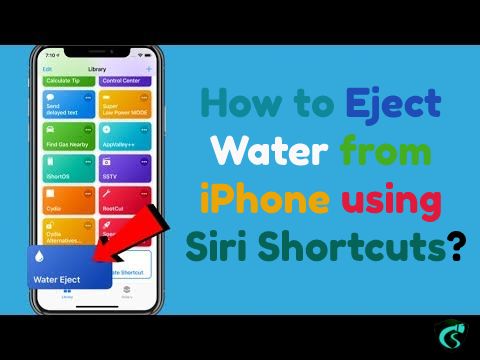
How To Eject Water From Iphone Using Siri Shortcuts Cleaner Suite Cb4841606
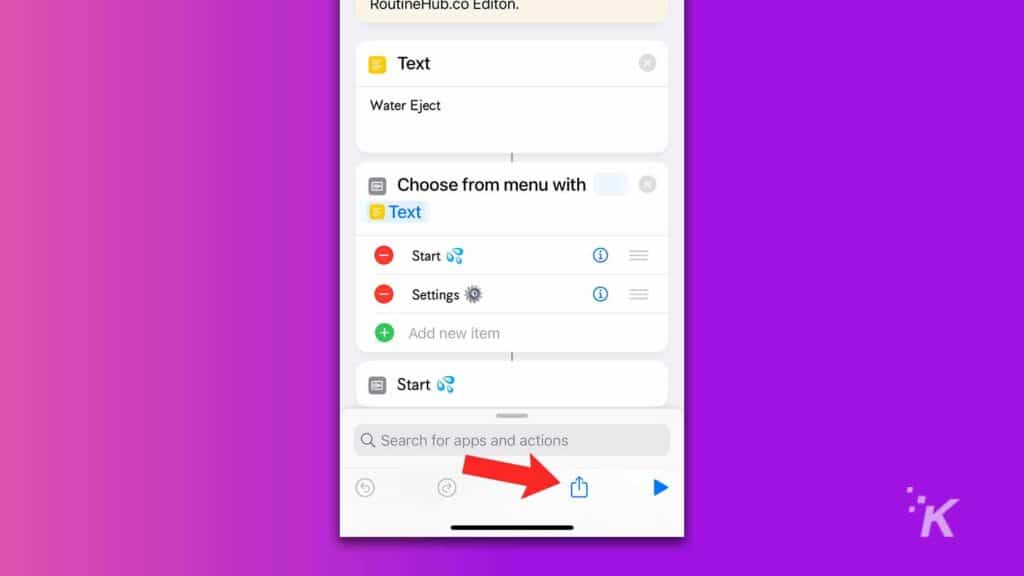
How To Eject Water From A Wet Iphone

How To Eject Water From Iphone Using Siri Shortcuts

Iphone How To Water Eject And Remove Liquid From Speakers Gamerevolution
How To Eject Water From Your Iphone Using Sound Frequencies
How To Eject Water From A Wet Iphone
How To Eject Water From A Wet Iphone

How To Eject Water From Iphone Speaker A Secret Shortcut Youtube
How To Eject Water From Iphone Using Siri Shortcuts
Here Is How To Use Siri Shortcuts To Eject Water From Iphone Fossbytes
How To Eject Water From Your Iphone Speakers 2 Ways
How To Eject Water From An Iphone Using Siri Shortcuts
How To Eject Water From A Wet Iphone