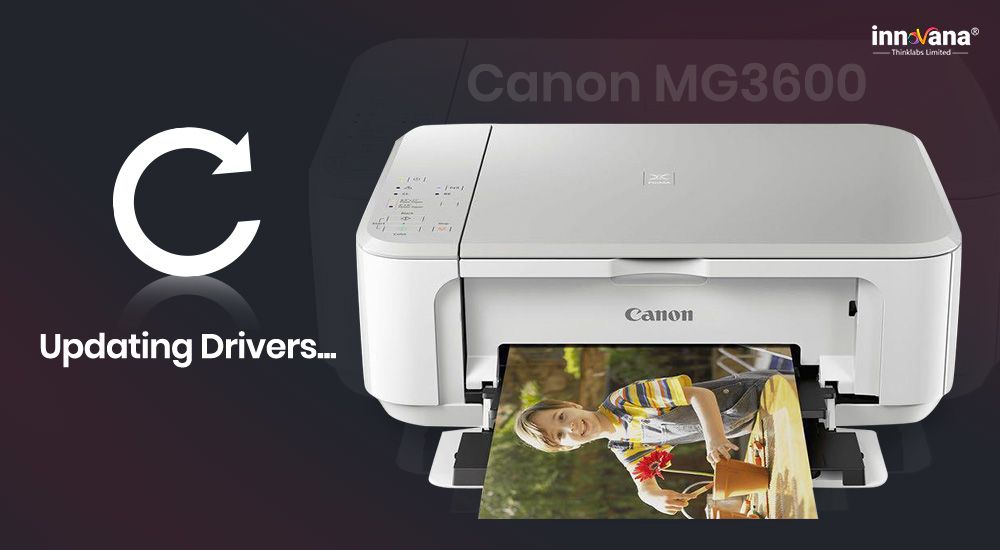
canon mg3600 driver windows 10
Locate Print queues and then Update the Canon PIXMA MG3600 driver by Driver. TWAIN 19 Specification WIA.

How To Install Canon Printer On Windows 10
For the location where the file is saved check the computer settings.

. Click the Download button. Follow the instructions to install the software and perform the necessary settings. Download drivers software firmware and manuals for your Canon product and get access to online technical support resources and troubleshooting.
Need a service or repair. Turn off the printer. To access this.
By oemadmin Last Updated Tue 12142021. Follow the instructions to install the software and perform the necessary settings. 3 rows 1-Year limited warranty with InstantExchange Program.
For Windows 11 28th June 2022. If needed you can uninstall this program using the Control Panel. A4Letter 85 x 117216 x 297 mm.
Double-click the downloaded EXE file to decompress it then installation will start automatically. Get additional piece of mind on your Canon product. Download Installation Procedures IMPORTANT.
Combine documents such as PDFs and image files onto one page on your Windows computer before printing. Optical resolution horizontal x vertical max. It will be decompressed and the Setup screen will be displayed.
Download install and run Driver Booster. Below are the drivers for the Canon Pixma MG3600 there are few different models in the series they all use the same drivers. Double-click the downloaded exe file.
Follow the instructions to install the software and perform the necessary settings. Search for your product to get started. In Windows 81 Windows 8 Windows 7 or Windows Vista a confirmationwarning dialog box may appear when starting installing or uninstalling.
1-Year toll-free technical phone support. Double-click the downloaded exe file. 1200 x 2400 dpi 1 Interpolated resolution max.
The procedure for installing the downloaded MP Drivers is as follows. This manual is designed to display correctly on the following operating systems and browsers. Internet Explorer 11 Internet Explorer 10 Internet Explorer 9 and Internet Explorer 8 1 Mozilla Firefox.
Update Canon MG3600 Driver Automatically 1. 19200 x 19200 dpi 2 1 Optical Resolution represents the maximum sampling rate based on ISO 14473. Download Installation Procedures.
Be sure to connect your PC to the Internet while performing the following. Double-click the icon of the downloaded file. MG3600 series Full Driver Software Package Windows This is an online installation software to help you to perform initial setup of your product on a PC either USB connection or network connection and to install various software.
For the location where the file is saved check the computer settings. It will be decompressed and the Setup screen will be displayed. Web Content Viewer.
The installation program starts. Get the latest official Canon MG3600 series printer drivers for Windows 11 10 81 8 7 Vista XP PCs. Canon Pixma MG3600 Driver.
You can see Driver Booster is scanning your computer for any outmoded missing or problematic drivers. Please use the following. When your computer restarts we will reinstall.
For the location where the file is saved check the computer settings. The drivers will download. It will be decompressed and the Setup screen will be displayed.
Manage your Canon products and keep them up-to-date. Click the Select button next to MG3600 series MP Drivers Ver. Double-click the downloaded exe file.
Update drivers with the largest database available. Windows 81 Windows 8 Windows 7 Windows Vista SP2 and Windows XP SP3 32-bit only Web browsers. For the location where the file is saved check the computer settings.
It will be decompressed and the Setup screen will be displayed. For the location where the file is saved check the computer settings. Double-click the downloaded exe file.
Once the download is complete open your downloads folder. 2 Increasing the scanning.
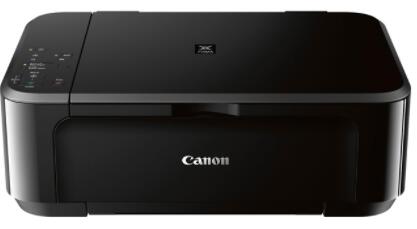
Download Canon Mg3600 Driver On Windows 10 8 7 And Mac

Canon Pixma Mg3600 Driver Download Multifunction Printer Wireless Printer Photo Printer
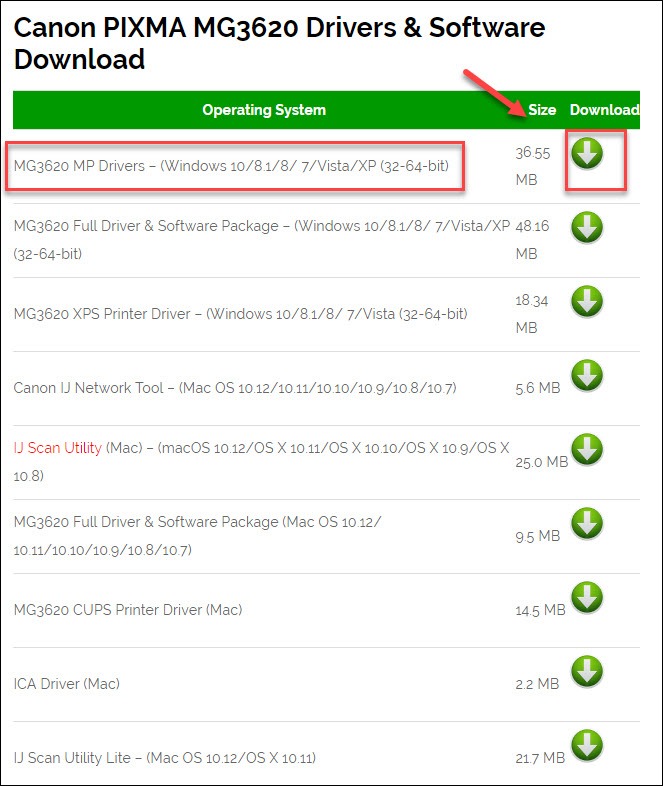
Canon Mg3600 Driver Download Update Driver Easy

Canon Pixma Mg3620 Support Amp Drivers Download Os Windows 10 X64 Windows 8 Windows 8 1 X64 Windows 7 X32 Windows 7 Windows Vis Printer Price Printer Canon
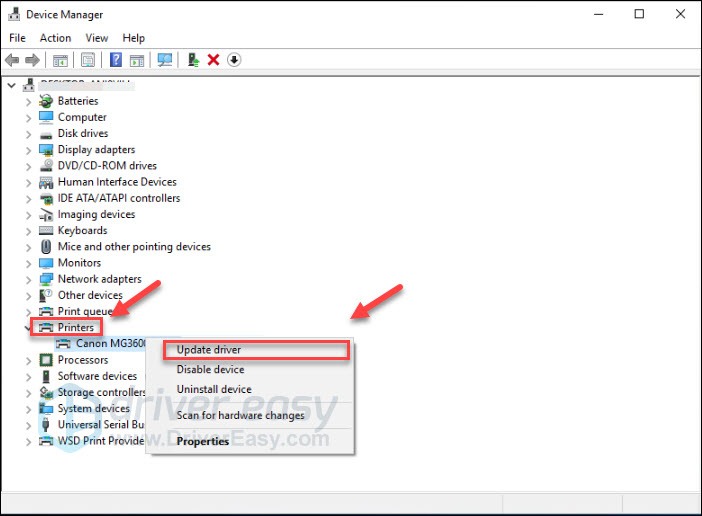
Canon Mg3600 Driver Download Update Driver Easy

How To Install Canon Printer On Windows 10

How To Install Canon Printer On Windows 10
Solved Mg3600 Series Software For Mac Catalina Canon Community
Canon Mg3600 Setup Canon Pixma Mg3600 Wifi Setup
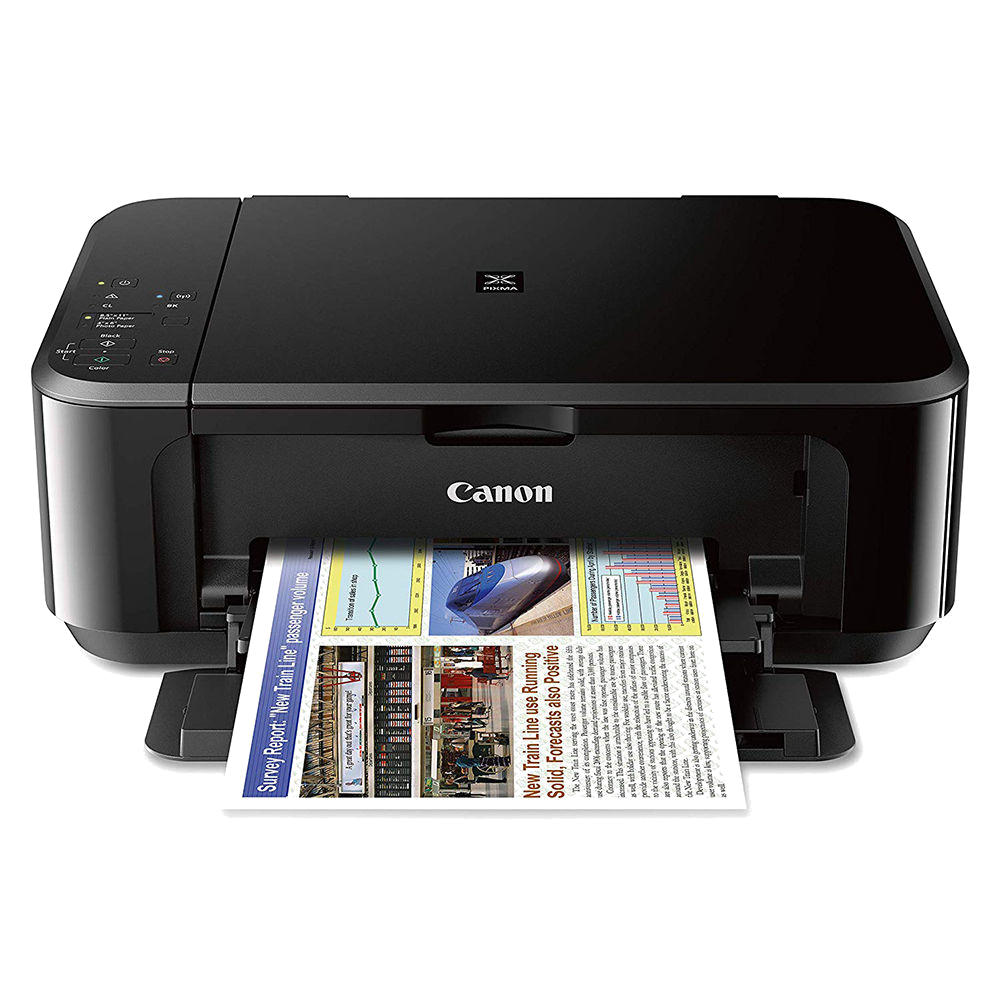
Canon Pixma Mg3600 Driver Device Drivers

Canon Pixma Mg3600 Driver Network Tools Mac Application Vista Windows

Support Mg Series Inkjet Pixma Mg3620 Canon Usa

Canon Pixma Mg3600 Drivers Download
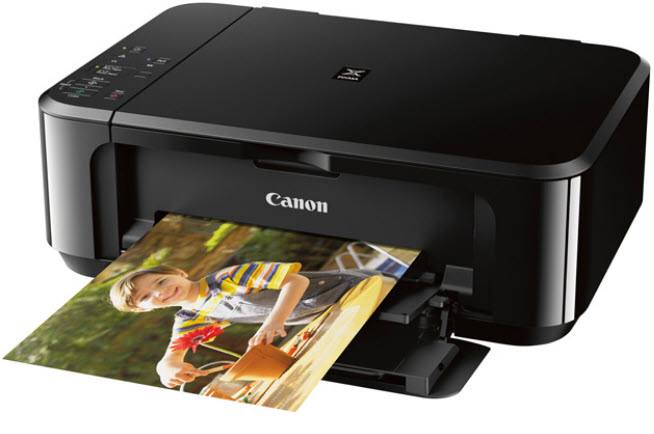
Canon Mg3600 Driver Download Update Driver Easy
Canon Pixma Mg3600 Driver Windows 10 Free Download

How To Install Canon Printer On Windows 10
Canon Pixma Mg3600 Driver Free Download
Innovana Thinklabs Limited Innovanathink Twitter

Mg3600 Says It Successfully Sets Up Wireless Conne Canon Community